Baby Sleep Tracker: How to Log Sleep in Seconds
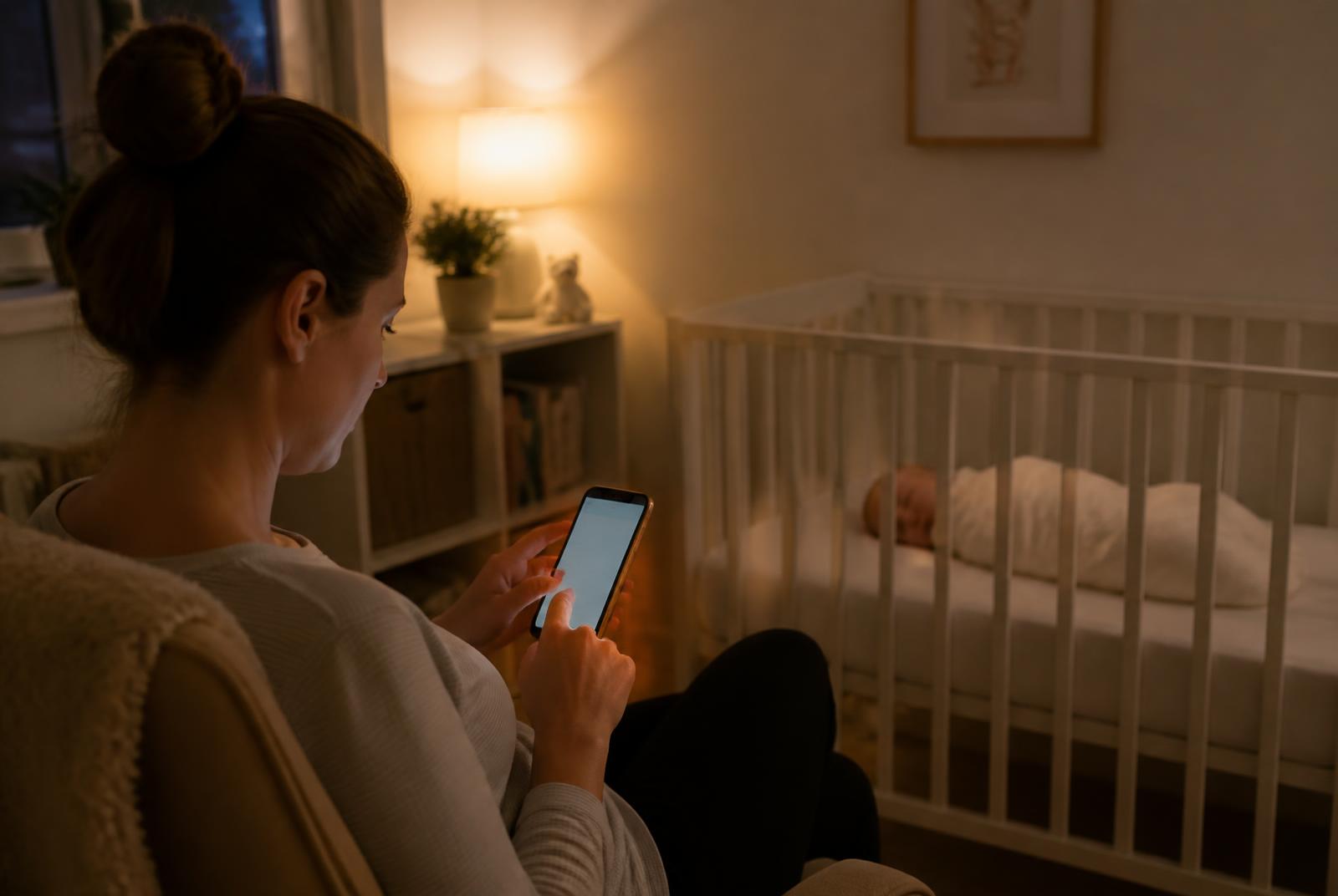
A baby sleep tracker can help you understand your little one's patterns. Learn how to log sleep in seconds with our simple, one-tap tool.
When you have a new baby, sleep can feel like a constant, confusing puzzle. How much sleep did they get? Was it enough? When will they sleep next? In the haze of early parenthood, it’s easy to lose track. You might find yourself trying to remember nap times while juggling a feed, a nappy change, and your own need for a cup of tea.
This is where a baby sleep tracker can be a game-changer. It’s not about enforcing a strict schedule or judging your baby’s sleep against a textbook average. Instead, think of it as a simple tool to help you tune in to your baby’s unique rhythms. By logging sleep with a quick tap, you can gently begin to see patterns emerge from the chaos.
Understanding these patterns can empower you to respond to your baby’s needs more confidently, helping you know when they might be getting tired or if a fussy period is due to needing a little more rest. It’s about replacing guesswork with gentle awareness, all with a tool that’s designed to be used in seconds by a tired parent.
Why this matters
As a Maternal Health Nurse, I often see parents who feel overwhelmed by conflicting advice about their baby's sleep. A common source of stress is not knowing if their baby is getting ‘enough’ sleep. While there are general guidelines, every baby is different. A baby sleep tracker helps you move beyond averages and understand what’s normal for your little one.
Here’s why logging sleep can be so helpful:
- It reveals patterns: After a few days of tracking, you’ll have a clear, visual record of your baby’s sleep. You might notice that naps are consistently short, or that bedtime has been slowly creeping later. This data is the first step to understanding the ‘why’ behind fussy evenings or frequent night wakes. From there, you can start to see how your baby's sleep connects to their awake time, which is often referred to as their wake window.
- It helps prevent overtiredness: Overtiredness is a common culprit for difficult settling and disrupted sleep. When you track sleep, you have a much better idea of how long your baby has been awake. This allows you to spot their tired cues and offer them a chance to sleep before they become overtired and distressed. It helps you anticipate their needs, leading to calmer transitions to sleep.
- It builds your confidence: Parenting is filled with uncertainty. Having concrete information about your baby's sleep can be incredibly reassuring. It provides a foundation for your instincts. If your baby seems grizzly but the tracker shows they’ve had a solid block of sleep, you can confidently look for other causes, like hunger or discomfort.
- It’s a powerful communication tool: When you're sharing the care of your baby with a partner, family member, or childcare provider, a shared log ensures everyone is on the same page. It’s also invaluable if you need to discuss your baby's sleep with a Maternal Health Nurse or doctor. Showing them a log of the past week is far more effective than trying to recall details from memory.
Ultimately, tracking isn’t about being rigid. It’s about gathering information so you can be more flexible and responsive to your baby’s cues. It’s a way to support their natural sleep rhythms, not force them into a box. Once you have this data, our Sleep Patterns & Insights tool can even help you interpret it.
How the Baby Sleep Tracker works
We designed our Baby Sleep Tracker with one priority: simplicity. When you’re sleep-deprived and holding a baby, you don’t have time for complicated apps, logins, or endless data entry. You need something that works instantly.
Our tracker is built around a single tap. One tap to start the sleep timer when your baby drifts off, and one tap to stop it when they wake up. That’s it. The tool automatically calculates the duration of that sleep and adds it to a running log for the day.
Here’s what makes it so easy to use:
- No account needed: You don’t need to sign up or log in. The tracker works right in your web browser.
- Instant start and stop: The main button is front and centre. There are no menus to navigate.
- Automatic totals: The tracker does the maths for you, instantly showing you the total sleep for today and providing a rolling seven-day average. This helps you see the bigger picture without any extra effort.
- Private and secure: Your baby’s sleep data is stored locally on your device’s browser. It’s not sent to our servers, so it remains completely private to you.
- Mistakes are easy to fix: We know you’ll forget to press the button sometimes! You can easily edit the start or end time of any sleep, delete an entry, or manually add a past sleep you forgot to log.
By removing all the friction, the tracker becomes a seamless part of your day. It reduces the mental load of trying to remember everything, freeing you up to focus on what really matters: caring for your baby (and yourself).
Step-by-step guide
Getting started with the tracker is simple. Follow these steps to begin logging your baby's sleep and uncovering their unique patterns.
- Open the tracker page. The first thing you'll see is a large, clear button that says "Start Sleep". This is your main control.
- Tap "Start Sleep" when your baby is asleep. The moment your baby’s eyes close and their breathing becomes deep and regular, tap the button. The timer will begin counting immediately. Don’t worry about getting the exact second right; a close approximation is perfect.
- Look at the screen. The button will now say "Stop Sleep" and you’ll see a timer actively running. You can navigate away from the page or lock your phone; the timer will keep running in the background in your browser.
- Tap "Stop Sleep" when your baby wakes. As soon as your baby is awake from their nap or night sleep, tap the button. The sleep session will immediately be saved and will appear in the "Today's Sleep Log" table below the button.
- Review your sleep log. The table displays each sleep with its Start Time, End Time, and Duration. Below the table, you'll find "Today's Total Sleep" and "Average Sleep (Past 7 Days)". These totals update automatically with every entry, giving you an at-a-glance overview.
- Correct any mistakes. If you forgot to stop the timer or started it too early, simply find the entry in the log and tap the "Edit" button. You can adjust the times and save your changes. You can also remove an entry completely with the "Delete" button.
- Add a sleep you missed. It’s bound to happen. If you forgot to log a nap, just tap the "Add a Past Sleep" button. You can enter the start and end times manually, and it will be added to your log, ensuring your daily total remains accurate.
- Observe the patterns over time. After logging for a few days, you’ll start to see a clearer picture. This is where the magic happens. You can use this data to fine-tune your approach, perhaps by using our Nap Calculator to help plan the day or by simply knowing that a fussy afternoon often follows a short morning nap.
Common mistakes (with the fix for each)
Using a sleep tracker should make your life easier, not add another layer of stress. As a nurse, I encourage parents to see it as a helpful assistant, not a strict boss. Here are some common pitfalls and how to navigate them.
Mistake: Forgetting to press start or stop
The Fix: Please don't worry about this! It is completely normal for a tired parent. The tool is designed for real life. If you forget, make your best guess and add the sleep later using the "Add a Past Sleep" function. If you forget to stop it, use the "Edit" button to adjust the end time. A close estimate is just as valuable for seeing the overall pattern.
Mistake: Becoming obsessed with the numbers
The Fix: The data is there to serve you, not the other way around. Your baby's cues—their mood, their energy levels, their feeding patterns—are always the most important source of information. If you find yourself anxiously watching the clock or feeling stressed that the numbers don't match a certain goal, take a break from tracking for a day or two. Come back to it when it feels like a support, not a source of pressure.
Mistake: Comparing your baby's sleep to others
The Fix: Every baby is unique, with their own individual sleep needs. The 'average' sleep for an age is simply a midpoint in a very wide range of what is normal and healthy. The purpose of tracking is to understand your baby's specific needs, not to see how they measure up against a chart or a friend's baby. If your baby is happy, healthy, and growing well, then their sleep pattern is the right one for them.
Mistake: Starting the timer too early
The Fix: It's tempting to press "Start Sleep" as soon as you put your baby down, but it's more accurate to wait until they are truly asleep. The 'drowsy but awake' phase is part of the wind-down process, not the sleep itself. Wait for their body to become still, their breathing to be slow and regular, and their eyes to be closed. This will give you a more accurate picture of their actual sleep duration.
Mistake: Trying to track complex night wakes
The Fix: For a simple overview of total sleep, it’s easiest to log night sleep as one single block—from when they go to bed for the night to when they wake up for the day. While this tracker can log short sleeps, if your main concern is frequent interruptions overnight, a specialised tool is more effective. Our Night Waking Log is designed specifically for this purpose, helping you find patterns in the timing and frequency of night wakes.
Try the free tracker
Ready to get a clearer picture of your baby's sleep? Our tracker is free, simple, and ready when you are. No accounts, no downloads – just one tap to get started and bring a little more calm and predictability to your days and nights.
Try the Baby Sleep Tracker now
Related Parenting Hub resources
Tracking is just one piece of the puzzle. Explore our other tools and guides in the Baby Sleep Hub to build your confidence and find what works for your family.
- Complete Baby Sleep Guide: Our comprehensive guide covering everything from newborns to toddlers.
- Wake Window Calculator: Find your baby’s ideal awake time to predict their next nap.
- Nap Calculator: Map out a possible nap schedule for the day based on your baby's morning wake-up.
- Night Waking Log: Specifically track and find patterns in overnight wakings.
- Sleep Patterns & Insights: Get gentle, personalised insights based on your logged sleep data.